

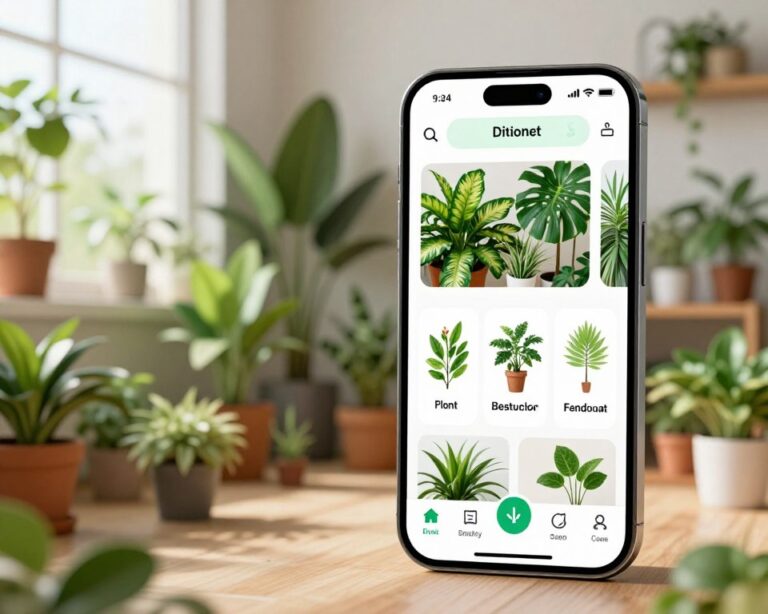
You’re on a hike, in a garden, or just staring at that mystery plant on your windowsill — and you have no idea what it is. That used to mean digging through thick field guides or posting blurry photos to Reddit and waiting hours for an answer. Not anymore.
Today’s plant identification apps can tell you what you’re looking at in seconds, using nothing but your smartphone camera. And you don’t need any botanical knowledge to use them.
The Apps Worth Using
Not all plant ID apps are created equal. Here’s an honest look at the most reliable options available right now:
iNaturalist
Backed by the California Academy of Sciences and National Geographic, iNaturalist is one of the most scientifically grounded options. It combines AI identification with a global community of naturalists who can verify or correct AI guesses. Free to use, with no paywall on core features. Best for people who want accuracy and don’t mind the occasional wait for community confirmation. Dowload now for Android or IOS.
PlantNet
A research project developed by French scientific institutions, PlantNet is particularly strong on European flora but has decent global coverage. It’s completely free, open-source, and contributes your identifications to a scientific database. The interface is no-frills, but the accuracy is solid. Dowload now for Android or IOS.
PictureThis
More consumer-friendly than the two above, with a polished interface and quicker results. It also includes a built-in plant care database, so once you’ve identified something, you can immediately see how to care for it. The free tier allows a limited number of identifications per day; a subscription unlocks unlimited scans and additional features. Dowload now for Android or IOS.
LeafSnap
Originally a Columbia University research project, LeafSnap specializes in North American trees and is especially good at identifying species from leaf scans alone. Free and useful if your curiosity tends toward forest walks rather than houseplants. Dowload now for Android or IOS.
Seek (by iNaturalist)
A lighter, gamified version of iNaturalist designed for casual users and younger audiences. It doesn’t require an account, works in real-time through your camera, and awards badges for discoveries. A great starting point if the full iNaturalist experience feels like too much. Dowload now for Android or IOS.
How Plant ID Apps Actually Work
The magic behind these apps is a combination of computer vision and machine learning trained on millions of plant images. When you point your camera at a leaf, flower, or bark pattern, the app breaks down visual features — leaf shape, vein structure, color, texture, flower symmetry — and compares them against a massive database.
The result is usually a ranked list of likely species, along with confidence percentages and supporting information. The better apps also factor in your geographic location, which dramatically narrows down the possibilities. A broad-leafed plant in Florida is a very different candidate than the same-looking leaf found in Oregon.
Most apps work in two modes:
- Live camera mode: Point and get a real-time suggestion as you move the lens.
- Photo upload mode: Upload an existing photo from your gallery for analysis.
Both modes work well, though live mode tends to perform best in good lighting with a clear focus on the plant’s distinguishing features.
Getting Better Results: Tips That Actually Help
The accuracy of any plant ID app depends heavily on how you use it. These habits make a real difference:
Photograph the right parts. Leaves are the most reliable for identification, but flowers, fruit, bark, and roots all carry useful data. If you’re not sure, take multiple photos of different parts.
Get close, stay steady. Blurry photos or too much distance reduce accuracy significantly. Most apps perform best when the plant fills most of the frame.
Good lighting beats everything. Natural daylight — not direct harsh sunlight — gives the clearest detail. Overcast days are actually ideal.
Check the confidence score. A result showing 95% confidence is very different from one showing 45%. When confidence is low, take another photo or look for a second opinion from the app’s community features.
Use location. Make sure your app has access to your location. Many species look nearly identical across regions, and geographic filtering is one of the best tools for narrowing down an ID.
A Quick Real-World Example
Say you find a vine growing over a fence in your backyard. You take a photo with PlantNet. It returns three candidates: Virginia Creeper (89% match), Boston Ivy (7%), and Poison Ivy (4%). The high confidence on Virginia Creeper combined with your location in the Mid-Atlantic United States makes it an easy call. You tap through to the species page: origin, growth habits, whether it’s safe for pets.
That identification took under ten seconds. No field guide. No waiting.
This is what these apps do well — they remove the friction between curiosity and knowledge.
A Note on Limitations
These apps are remarkably good, but they’re not infallible. Accuracy drops with unusual angles, poor lighting, damaged plants, or species with very few training images in the database. For anything with real stakes — like foraging for wild edibles or identifying plants around children or pets — always cross-reference with a second source or consult a local expert.
Think of the app as a confident first guess, not a final verdict.